-
Go to Buzzly AI
Open Buzzly AI or press the Buzzly AI button from sidebar. -
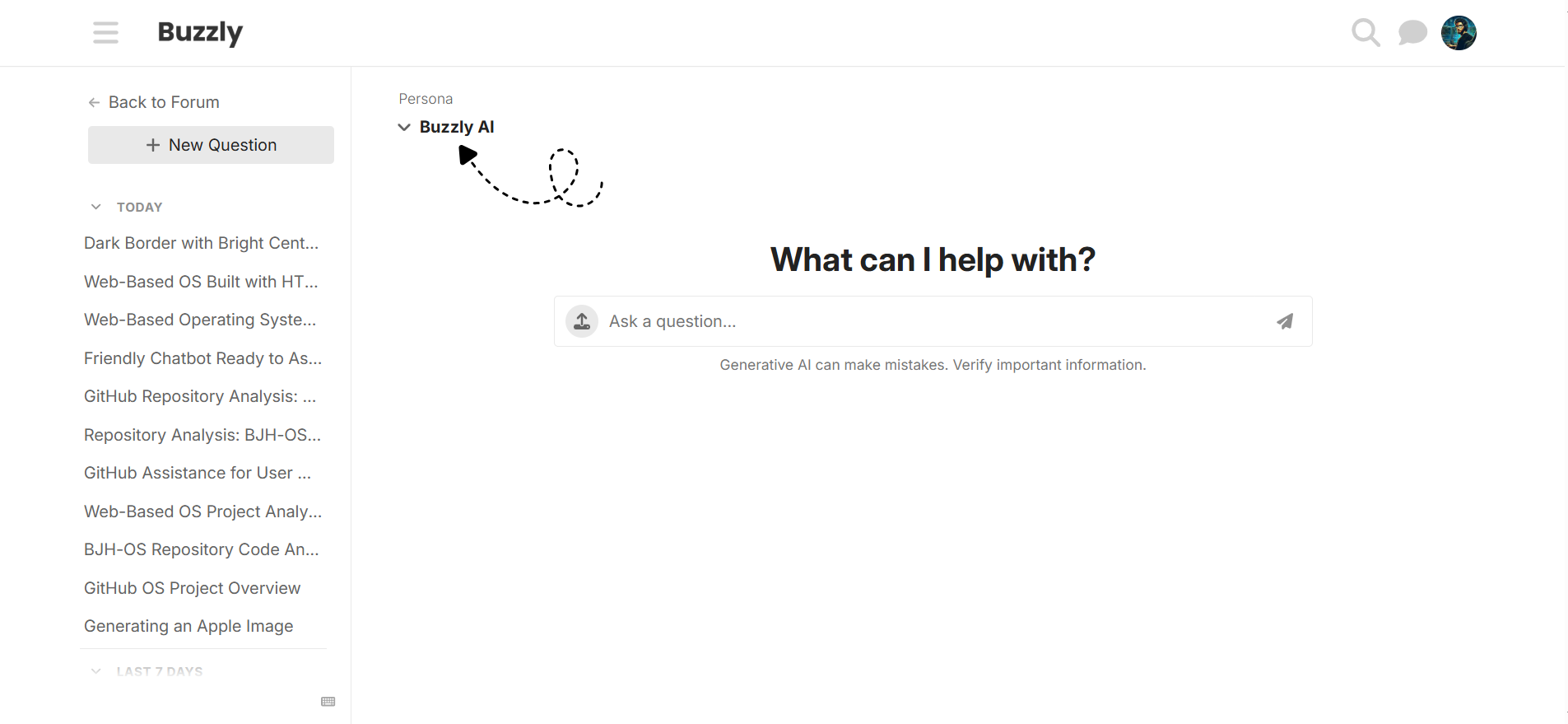
Select the Persona
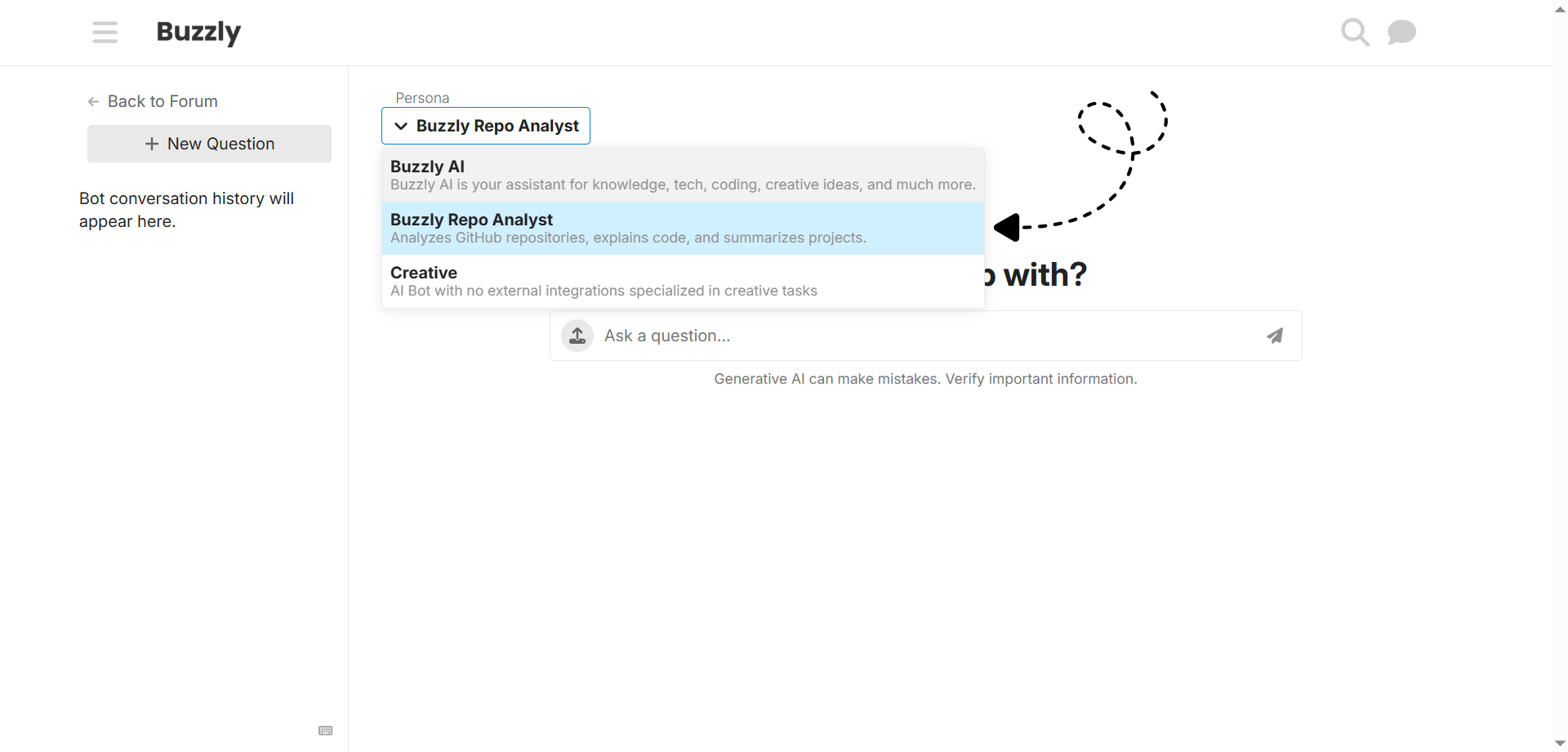
Click the Persona button (as shown in the screenshot below)
- Choose Buzzly Repo Analyst (as shown in the screenshot below)
-
Give a Prompt
Type a prompt in the chat like this example:
analyze this github repository: github repository link
-
Receive Analysis
Buzzly AI will summarize the repository structure, key files, and code examples for you.
Tip: Make sure the repository is public so Buzzly AI can access it.